¶ Fluid editor
Just like in SSP G8 it is possible to create user-defined fluids (UDF) in SWEP SSPTM. This can be useful when there is a need to use SWEP SSPTM with a specific fluid not included in the software.
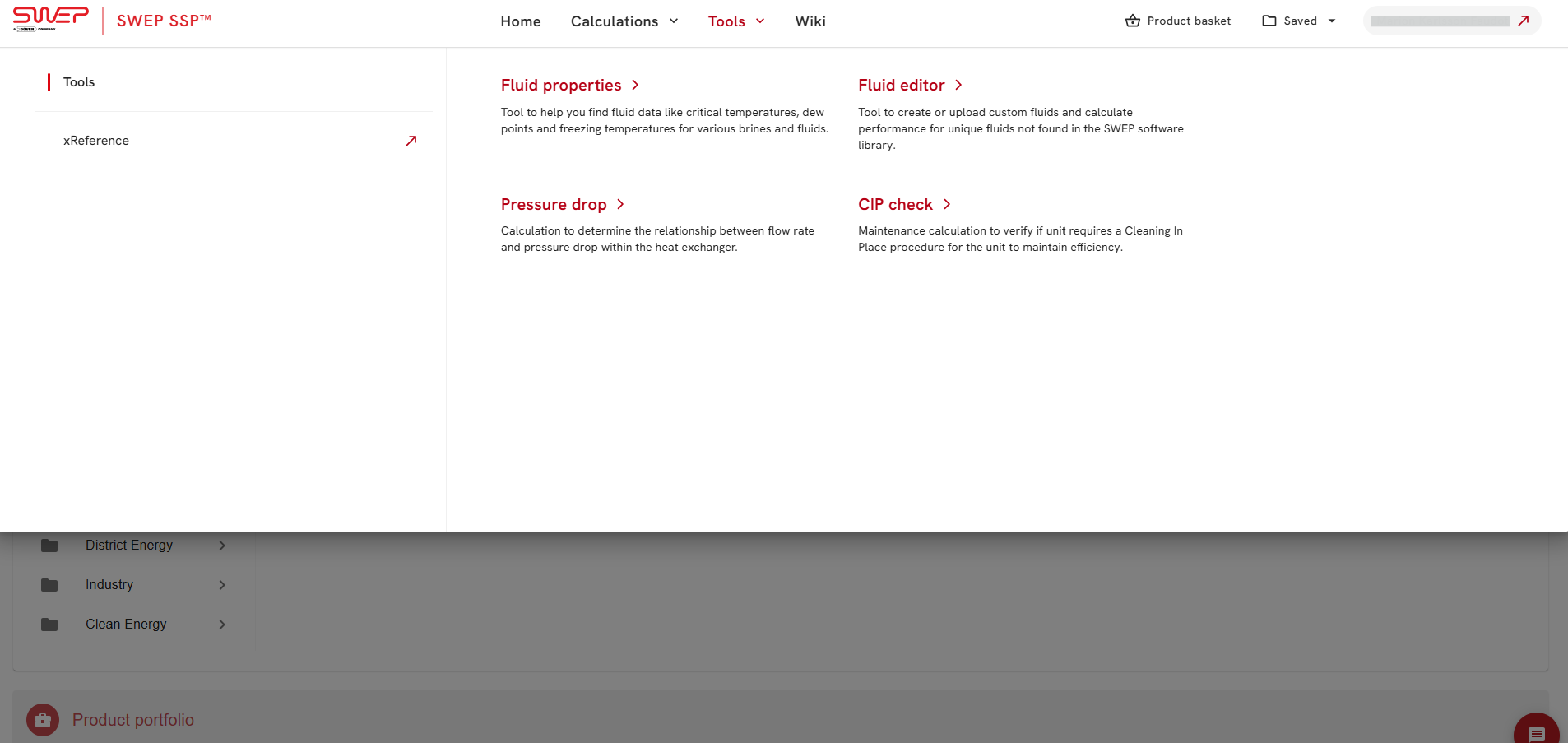
The fluid editor is accessed in the toolbar on the navigation menu
¶ Uploading a fluid file
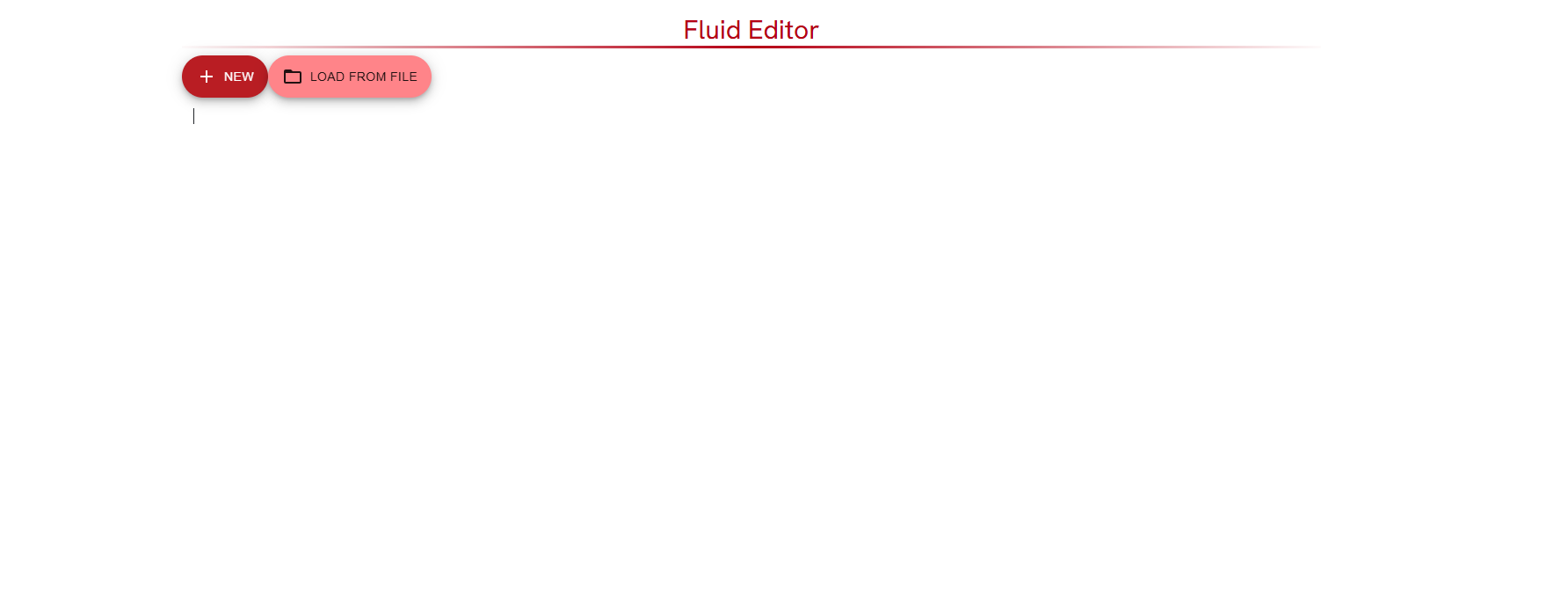
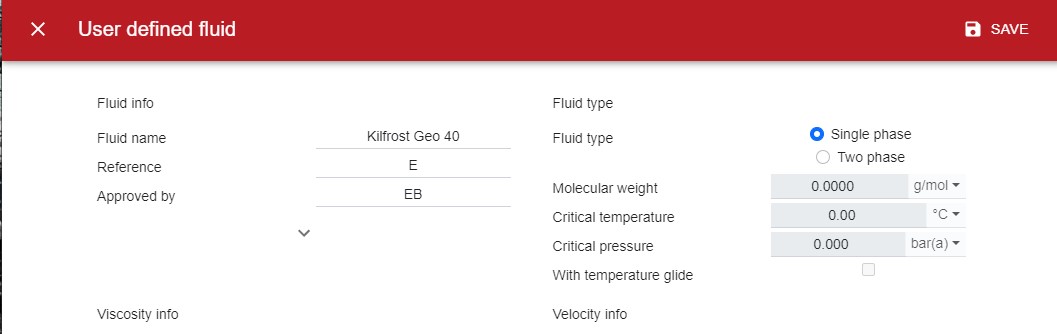
If you want to use the same UDF in SWEP SSPTM as in SSP G8 it is possible to upload those into SWEP SSPTM. SSP G8 fluid files are usually found at C:\Users\*user_name*\Documents\SWEP\SSP\Fluids. Press SAVE in the upper right corner once the fluid has been loaded.
¶ Creating a new fluid
It is possible to create a new fluid from scratch. This is done by filling out information about the fluid and entering the thermodynamic and transport properties of the fluid. It is also possible to copy paste these parameters from an excel into SWEP SSPTM . SWEP SSPTM can interpolate between points but it is not possible to extrapolate properties outside of the given temperature range. While interpolation is possible, a resolution in fluid properties will result in more accurate calculations.
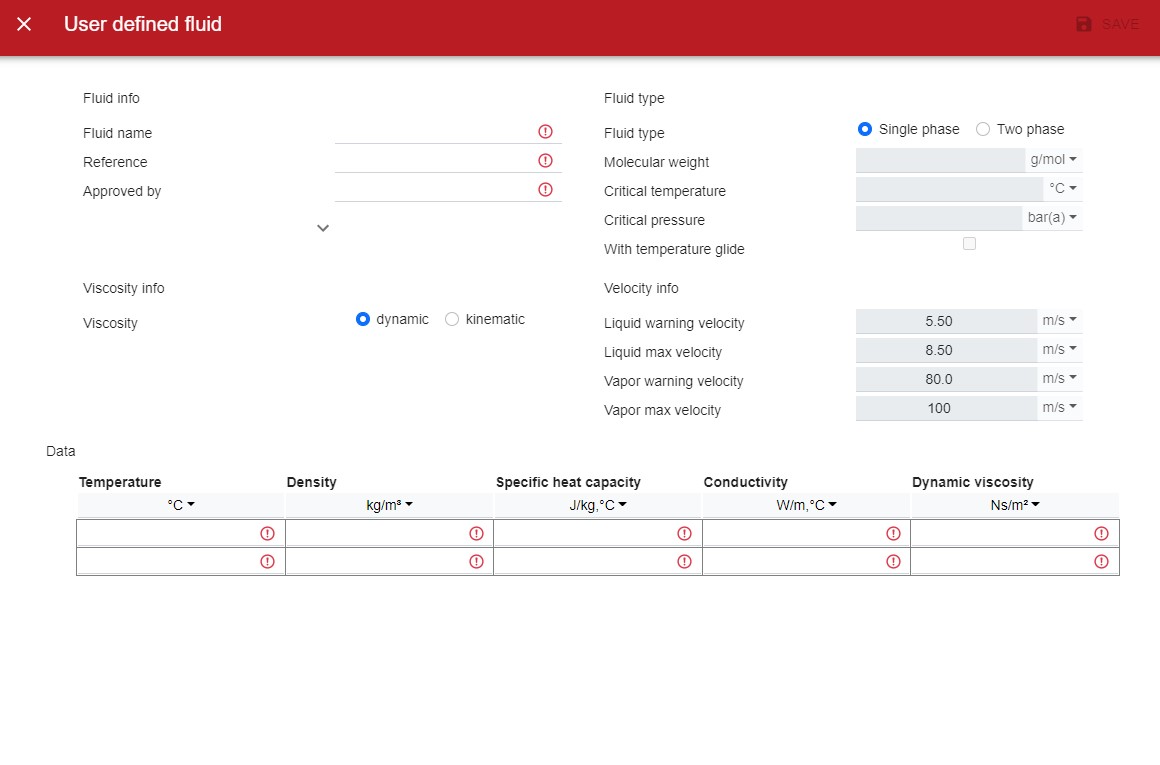
It is important to make sure that the units in the columns are correct matching the imported data you have received form customer.